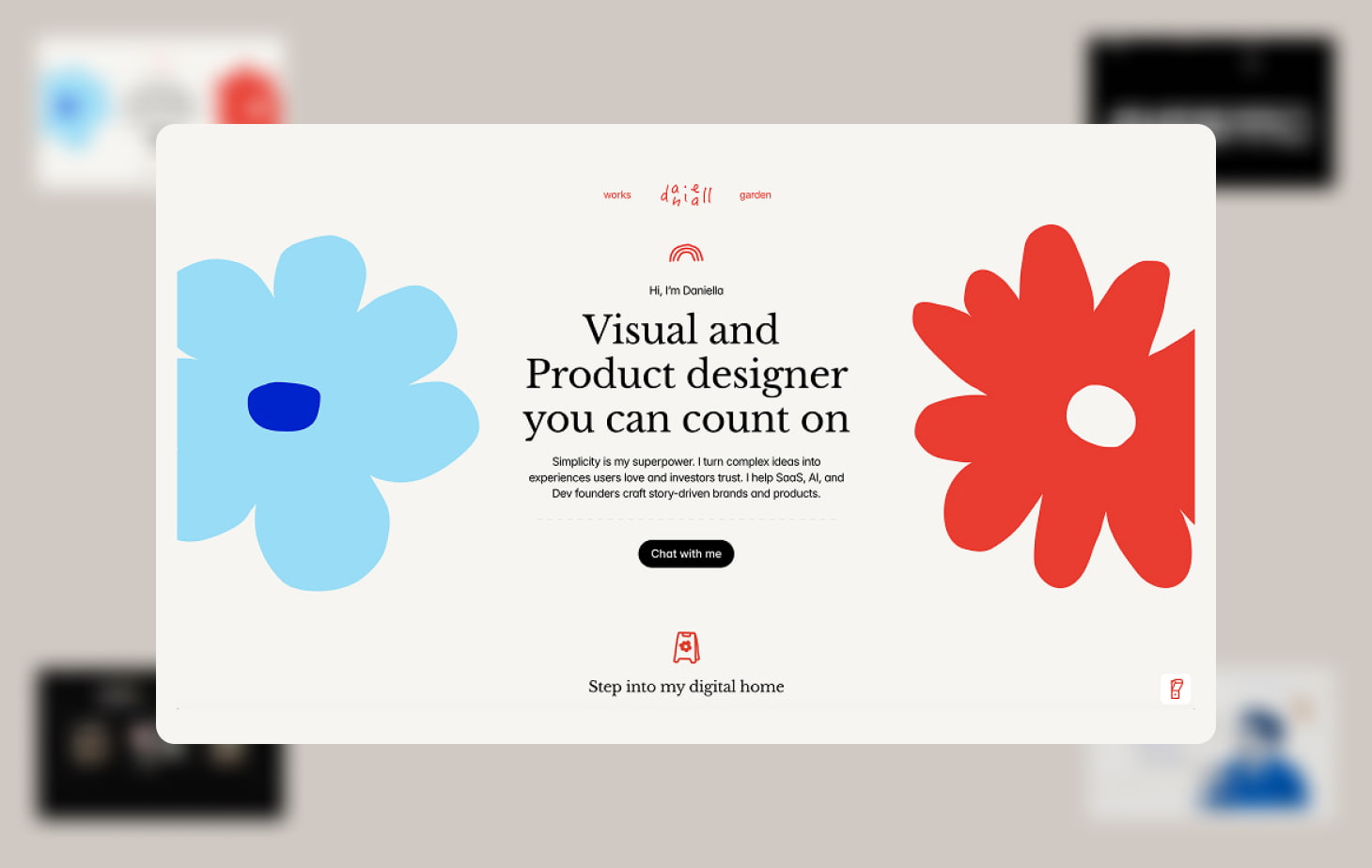
5 Design Portfolios to Kickoff and Inspire Your 2026
Stop using boring templates. We’re breaking down 5 of the most uniquely crafted design portfolios of 2026 that perfectly balance deep case studies with delightful, high-end visual storytelling.
Revised for 2026 so the steps still match how hiring managers actually read portfolios.
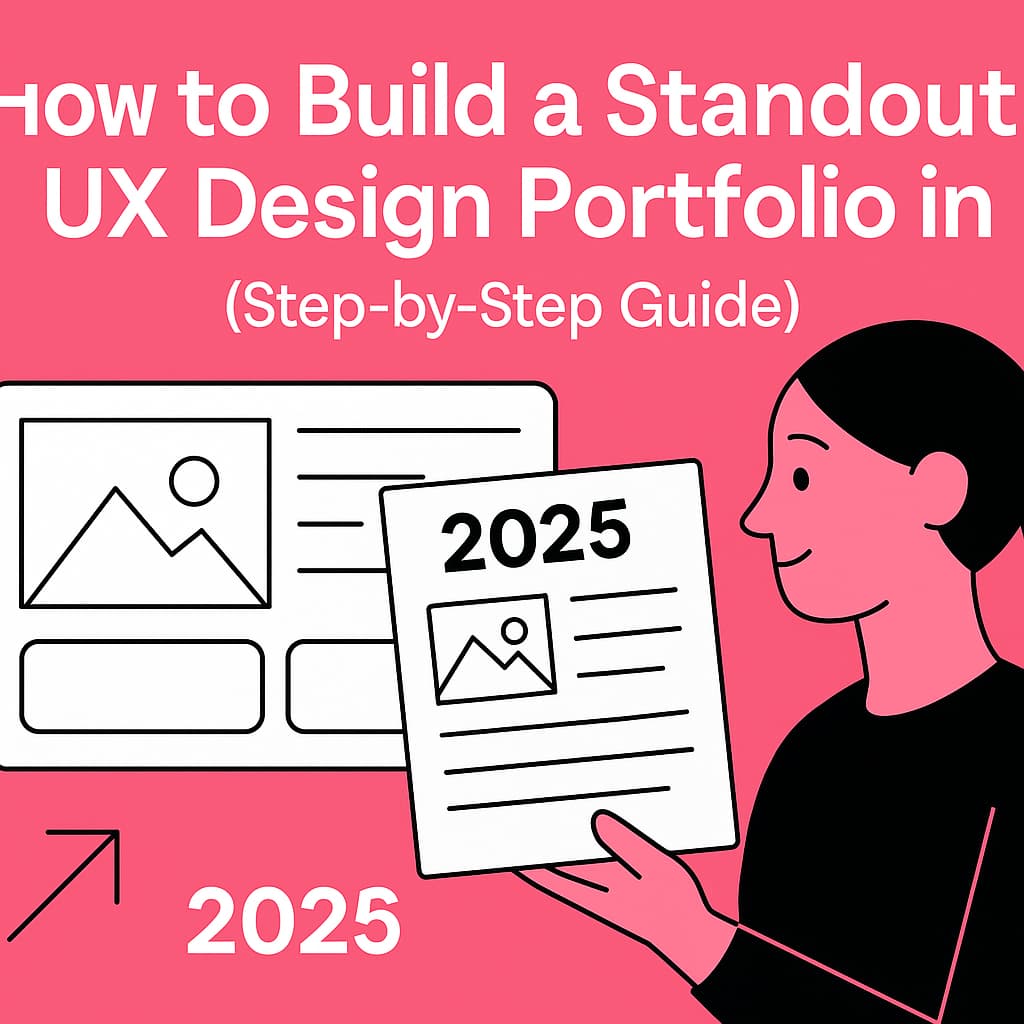
Your portfolio is more than a website—it’s your career launchpad. Whether you’re applying for internships, switching roles, or freelancing, hiring managers want to see how you think, not just how things look.
In this guide, you’ll learn how to build a UX portfolio that gets noticed. These steps come from reviewing dozens of top-performing portfolios and talking to hiring managers in tech and design.
Before choosing projects, ask: what role am I applying for? Tailor your work to that role. Freelance designers might include a broader range, while job seekers should go deep on a few strong case studies.
Focus on 2–3 projects that showcase both impact and process. Include real constraints, lessons learned, and outcomes. Quality over quantity always wins.
Don’t just show mockups—walk readers through the problem, your approach, and the results. Use headings like "The Problem," "The Process," "The Outcome."
Explain trade-offs, research methods, and decision points. Think of your portfolio as a narrated walkthrough of your thinking.
Use consistent typography, whitespace, and logical flow. A cluttered portfolio—even with great work—hurts readability. Tools like Webflow and Notion are popular among designers.
Hiring managers often browse on their phones. Make sure your portfolio is responsive and quick to load.
Add a short bio, headshot, and clear CTA (e.g., "Let's work together"). Human connection matters.
Building a UX portfolio takes effort, but it pays off. Start small, focus on clarity, and iterate as you grow. Want more examples? Check out our favorite portfolios.
Stop using boring templates. We’re breaking down 5 of the most uniquely crafted design portfolios of 2026 that perfectly balance deep case studies with delightful, high-end visual storytelling.
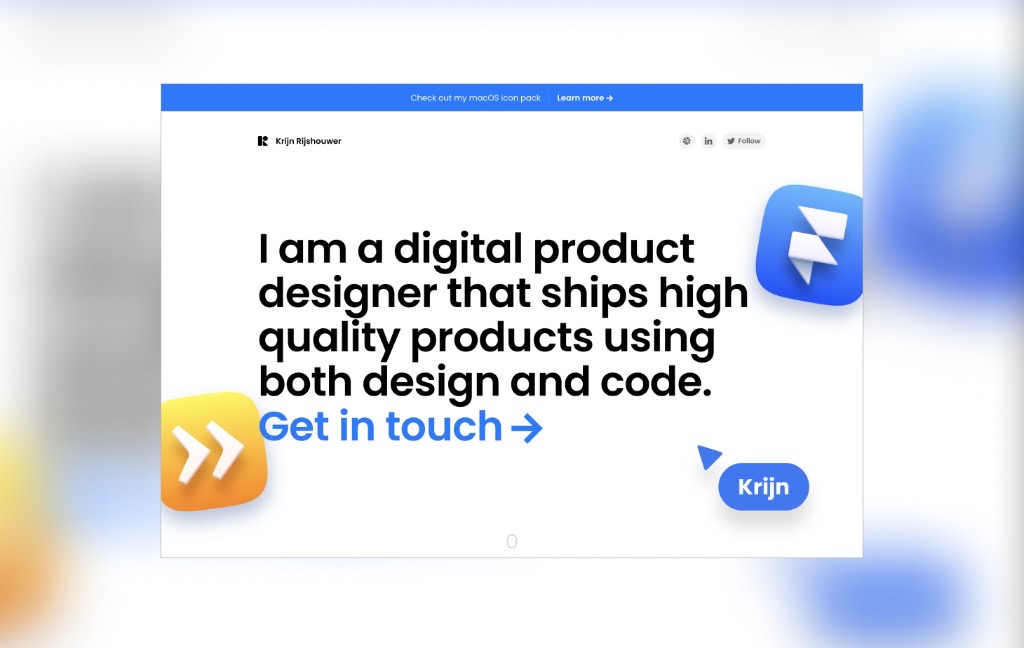
Discover 5 outstanding UX and product design portfolios from top designers. Get inspired by layout ideas, case studies, and portfolio trends.